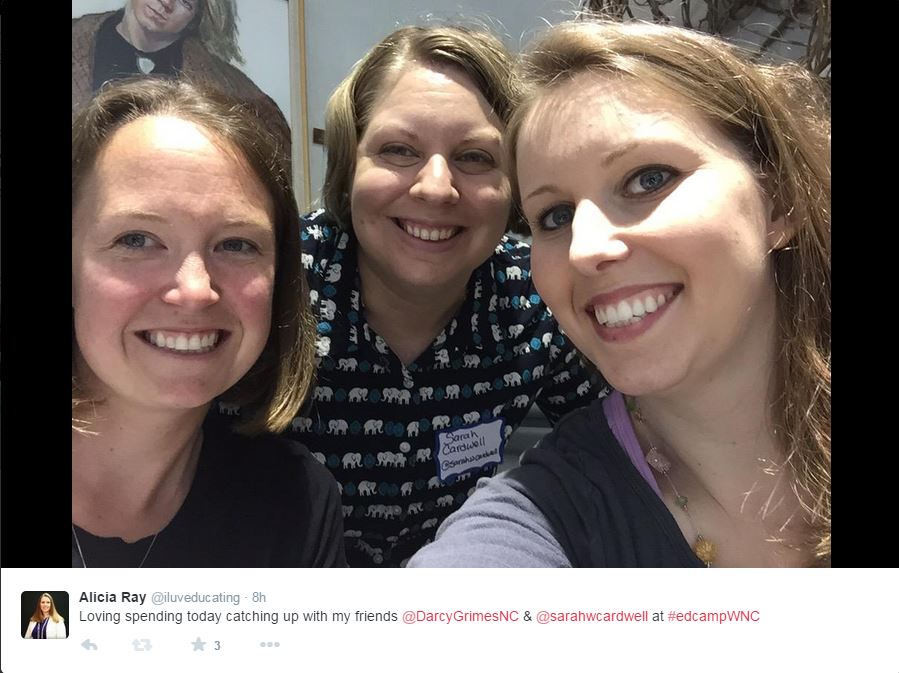
The best week of my entire summer was spent at the North Carolina Center for the Advancement of Teaching (NCCAT) as part of the advisory group for a week of sessions called Teaching Generation Z.
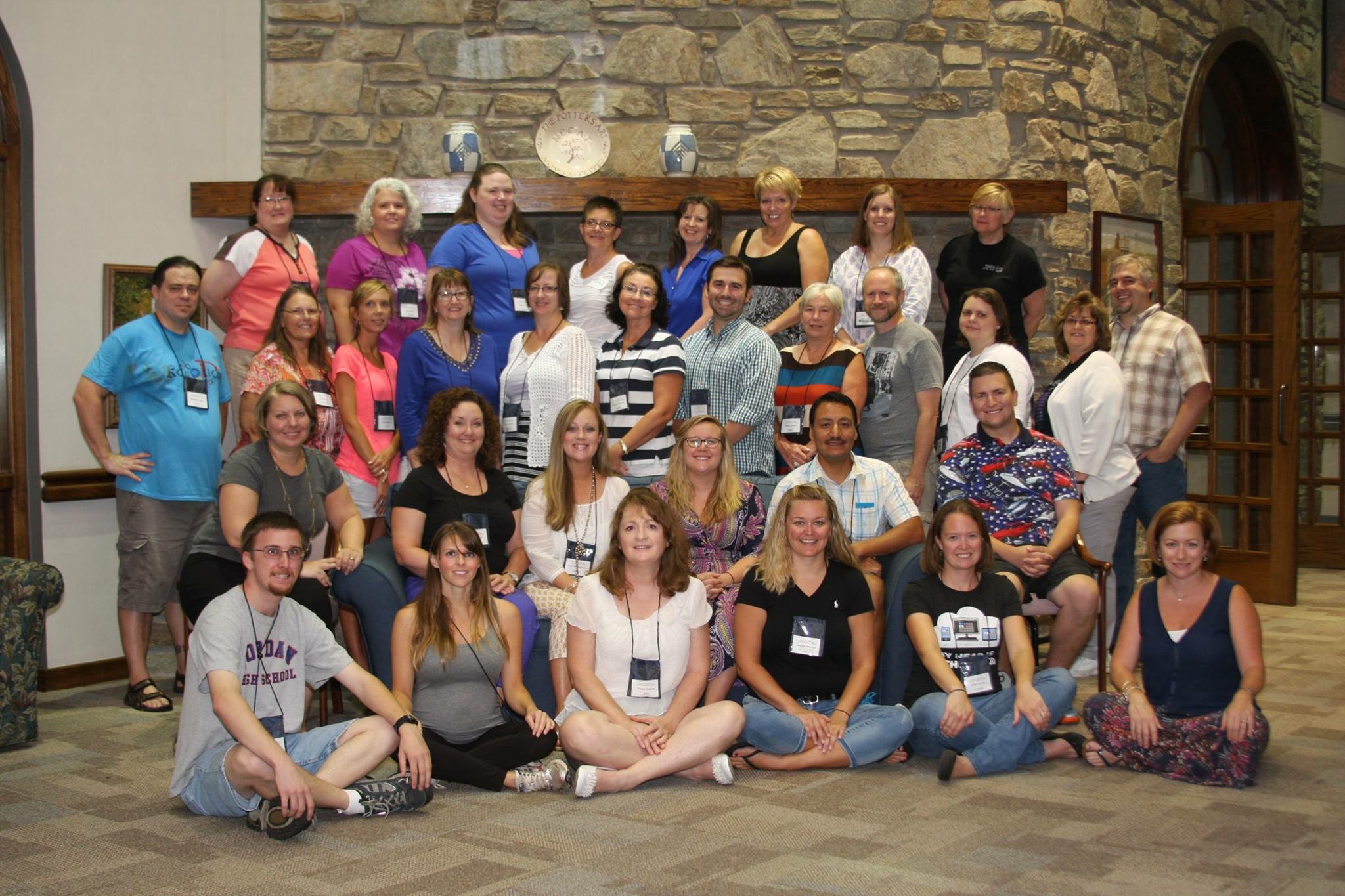
This idea was the brain-child of Jonathan Wade (@edtechwade) and was coordinated by Darcy Grimes (@DarcyGrimesNC). Throughout the week, 10 educators from around North Carolina discussed topics that are relevant to today’s classrooms, such as game-based learning, Minecraft, gamification, the use of Green Screen, the learning management system Canvas, Aris, and others.

Throughout the week, we were inspired by many exciting ideas for engaging the students of generation Z. There were so many new apps and websites that I could add to my #edtechsummer that I decided to simply post them all here, along with presentations from each of the presenters. As if NCCATGENZ wasn’t enough awesome packed into each day, our group had the honor of teaming up with the other group on campus, TeacherQuest. Those participating in this group were learning to design their own games with Daniel O’Keefe (@dokeefe) from the Institute of Play (@instituteofplay)! Each day the NCCATGENZ group play-tested the games created by TeacherQuest. These games gave us even more outstanding ideas to bring back to our classrooms.
Monday:
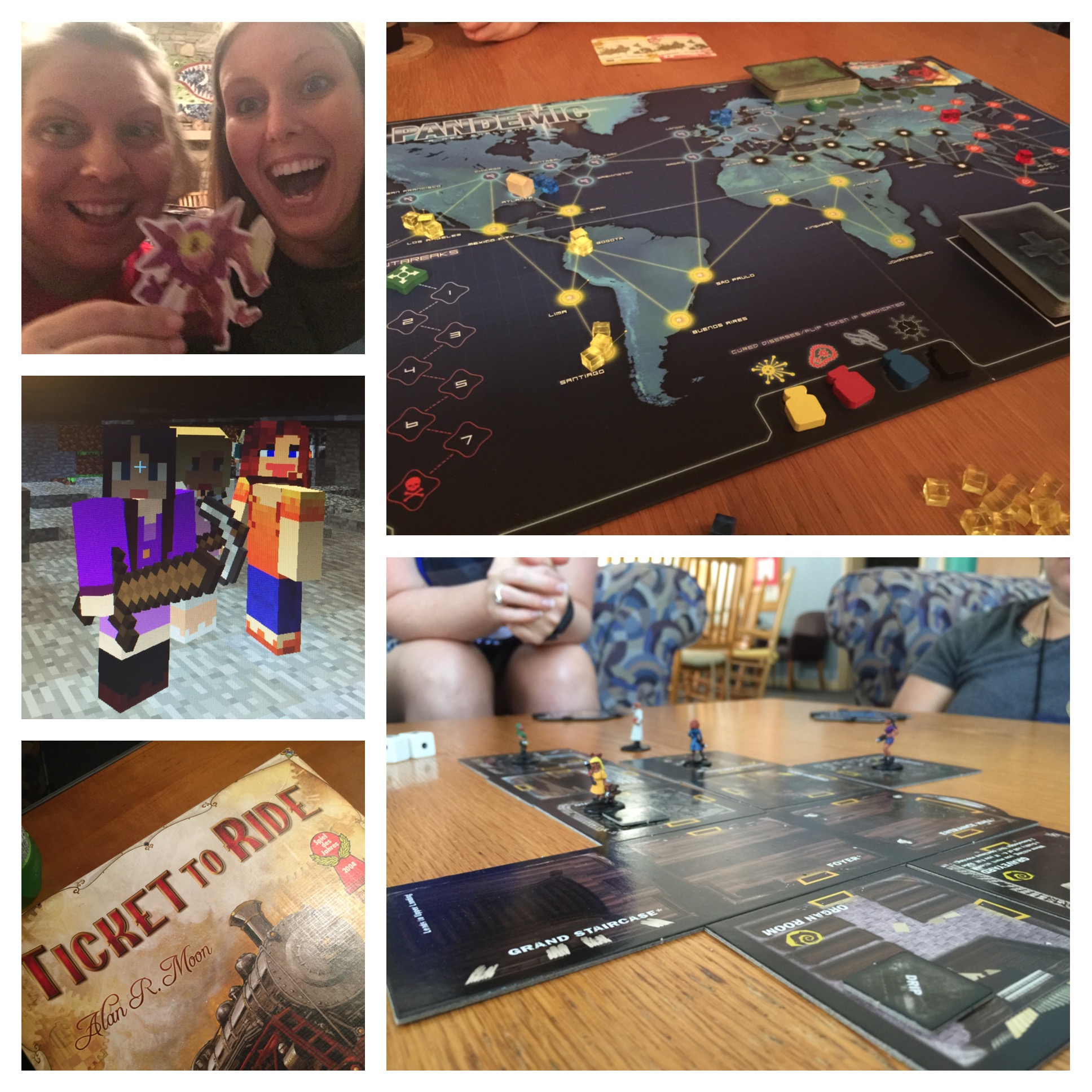
After a 3 hour drive through the beautiful mountains of North Carolina, I arrived at NCCAT, checked in to my room, and met with my colleagues and new friends in the commons room. We congregated here to be given a quick tour of the facilities and were led to the conference rooms in the main building. From there we participated in a geocaching, alternate reality Campus Quest using the app Aris. Jason Lineberger (@teachertechccs) created a quest that led us to create a haiku while touring the grounds of NCCAT. We then ate dinner in the dining hall and met back in the conference room for a SMACKDOWN of epic proportions! I honestly could have gone home right then with more edtech tools than I could use this year! Every night after we wrapped up in the conference room, many of us met in the commons area for board games and card games.
Tuesday:
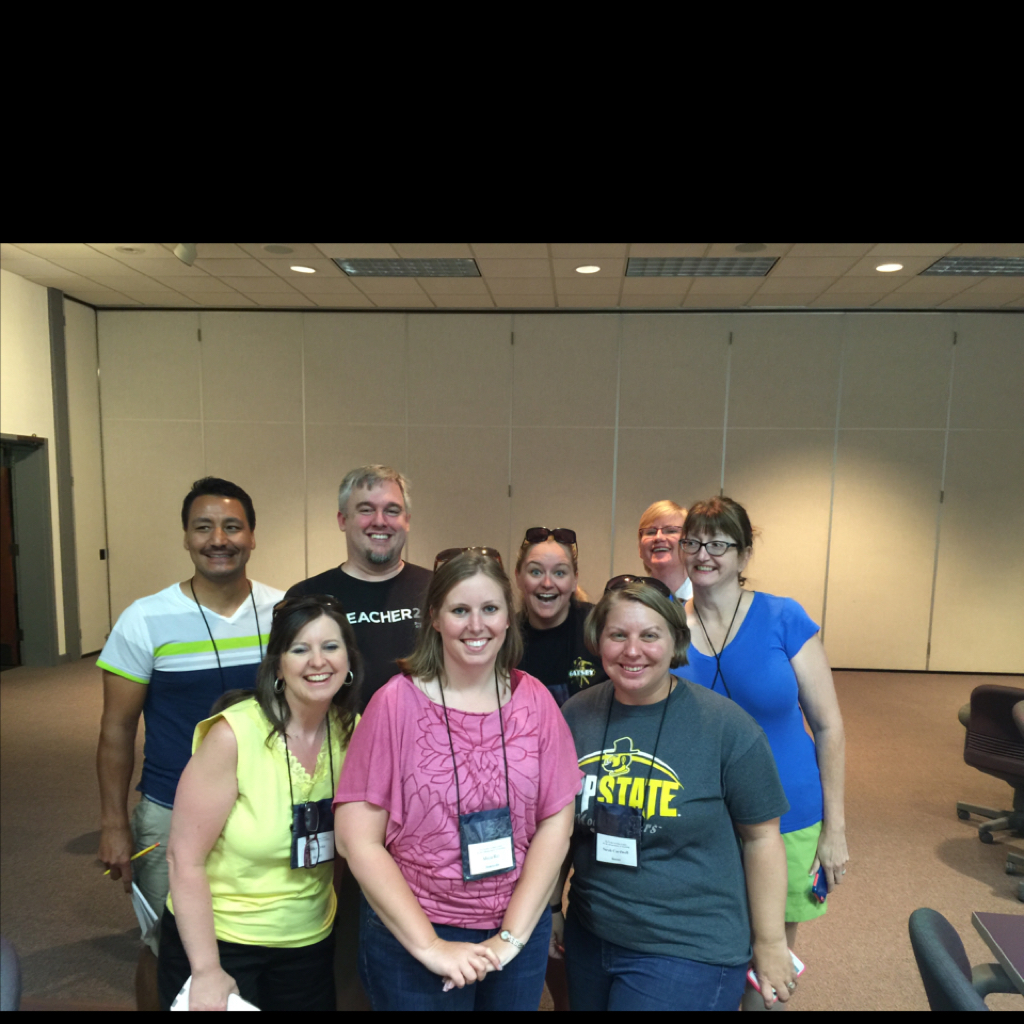
We discussed the difference between Game-Based Learning and gamification and built our working vocabulary for the week with Lucas Gillispie (@lucasgillispie). Then we participated in a GooseChase created by Sarah Cardwell (@sarahwcardwell) to build relationships and learn about one another.

Next we play-tested with the TeacherQuest group and played variations of Musical Chairs. Megan Mehta (@megan_mehta) taught us about using a green screen in the classroom and we were able to experiment with Green Screen using green bed sheets and the app Green Screen by Do Ink. After lunch and a time for reflection, participants were given a choice between my Digital Formative Assessment presentation and Cathy Musci’s (@CathMus) SAMR Presentation. Jason Lineberger shared more alternate reality games with us and showed how he set up the Aris game from Monday. Before dinner, Sarah Cardwell, Darcy Grimes, and I talked about the power of social media and growing your PLN. After another delicious meal, Darcy and Megan shared Mystery Skype and we participated in a mock Mystery Skype session by splitting up the group, choosing a state, and answering yes or no questions about the location of our state. Skype has a fabulous presence in the classroom and more information about how to use Skype in your class can be found online. More gaming in the commons area ensued!

Wednesday:
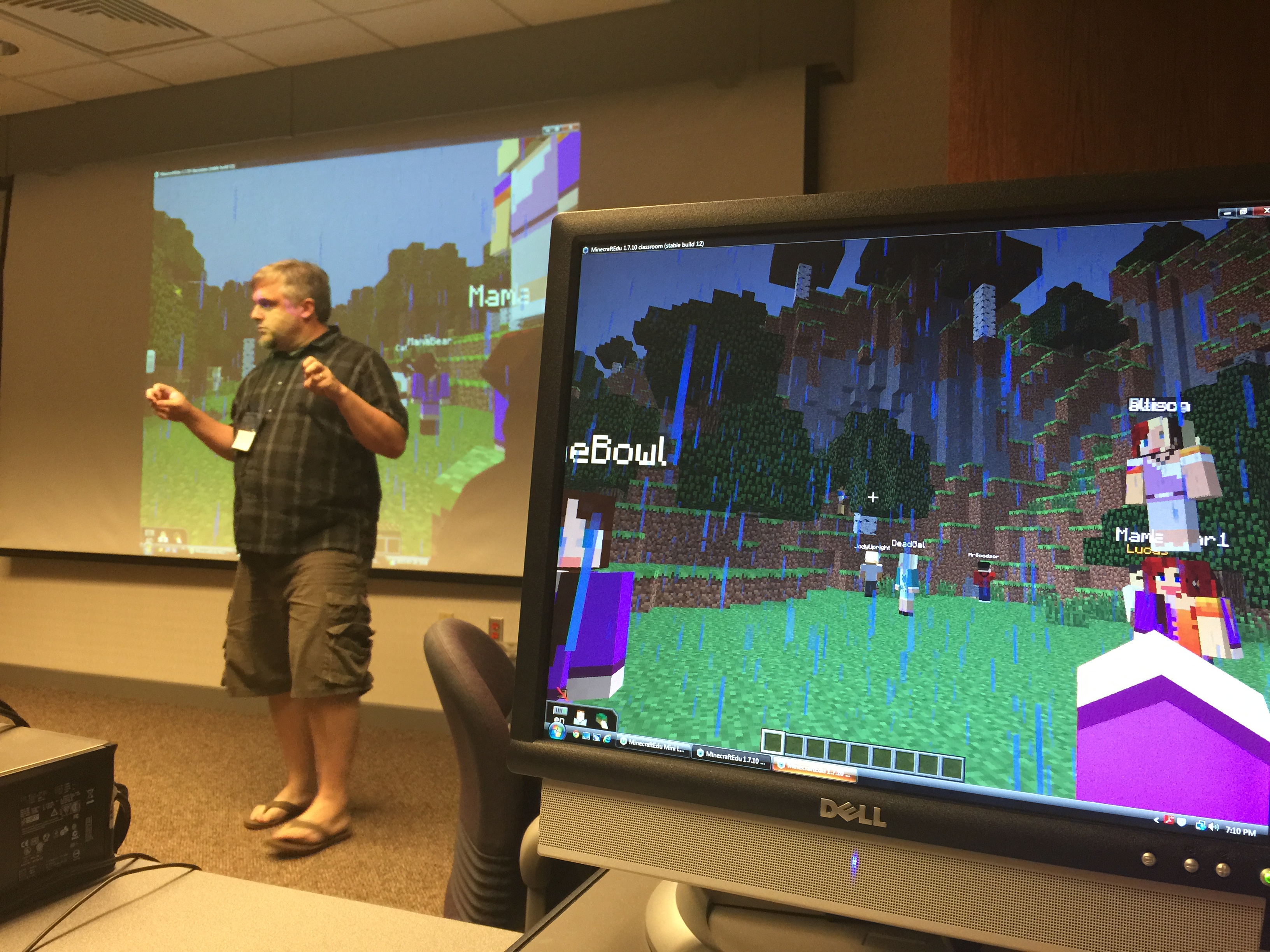
As a highlight to my professional career, I was privileged to present Digging into Learning with Minecraft with Lucas Gillispie. (Google him – Go ahead, I’ll wait) Truly, I was more of a Vanna White as I clicked for the next slide in the presentation and helped a few friends who were stuck in a hole they had dug in Minecraft while interjecting a few coherent points. Nonetheless, let it go down as a moment in history for me – being deemed worthy of presenting with your mentor is always a blessing.

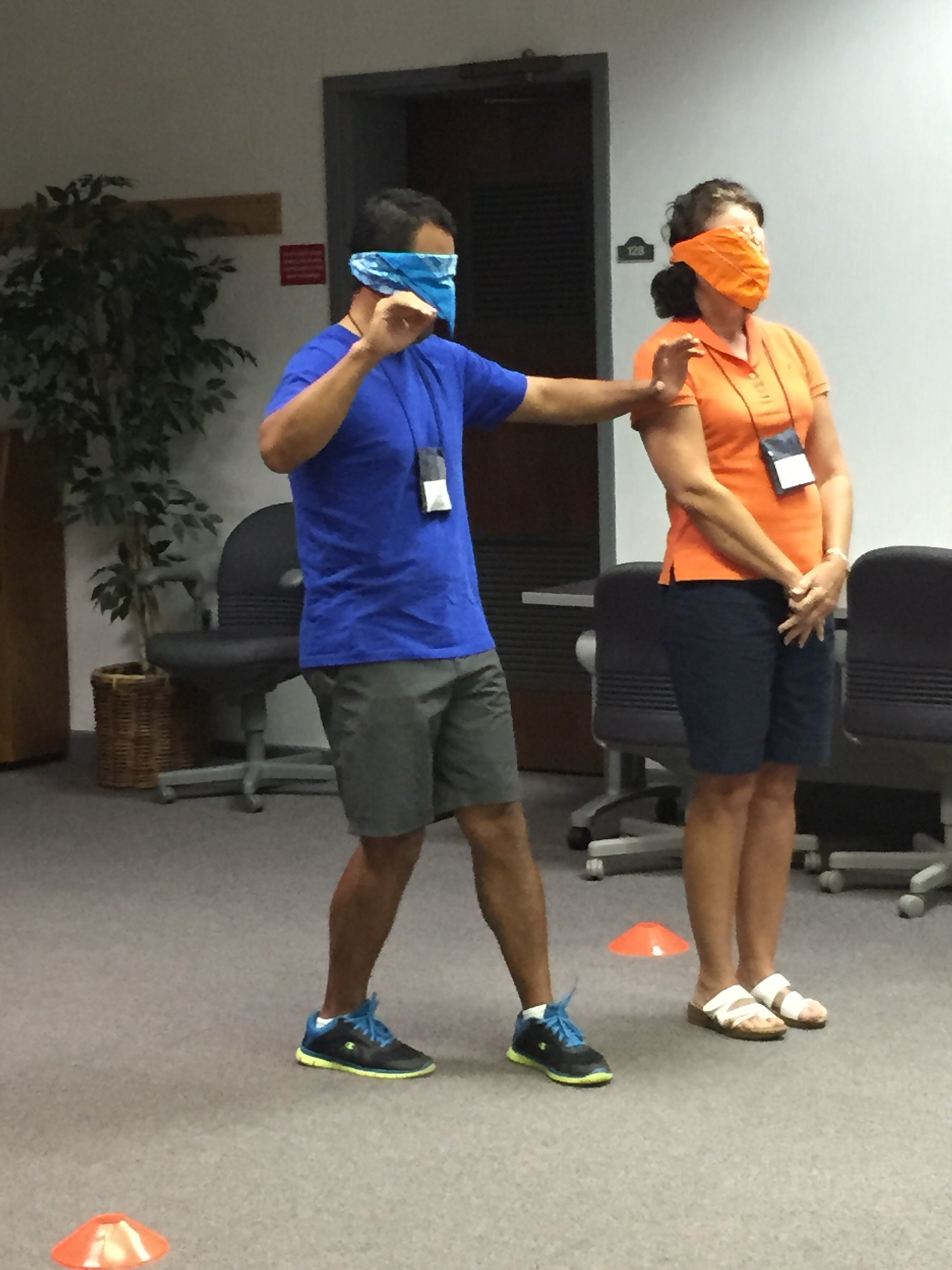
After a quick break, we play-tested with TeacherQuest again. This time we did games with a taste of trust and betrayal. In one we were split into two teams, blindfolded, and two directors told us where to move to avoid the “mines”. We had to choose which one to trust as one was on our team telling the truth and the other was trying to sabotage us by making us walk into the mines. It was very cool, and a great team-building game. My friend and colleague Pedro Caro (@karop3) was on my team. Neither of us stepped on a mine as we sashayed to the left three steps (yes, that was a true direction we were given)!

After play-testing, we joined back with our NCCATGENZ group to listen to Heather Wilson (@mhmshistory), Lisa Montgomery (@lmontgo), and Chris Goodson (@goodson) as they discussed their adventures with Minecraft and the evolution of game-based learning in their schools. I was blown away with their examples and experiences and can’t wait to get my MinecraftEdu club going in a huge way this fall! After lunch and a reflection period, we played a bit of Oregon Trail and Where in the World is Carmen Sandiego, and we were introduced to Mission US, an amazing web-based game from PBS that allows students to BE a part of history through a “choose your adventure”-like game. Wednesday evening we were allowed to have unstructured time which, for us, turned into… you guessed it – games!
Thursday:
We kicked off the morning with Sarah Cardwell as she gave us an in-depth look at Canvas, the learning management system that works well with PowerSchool and SchoolNet here in North Carolina. Then we play-tested one last game with TeacherQuest. These games were my favorite as they truly had an educational feel to them, but not enough to make them boring – perfect for my students! One game used word parts and word associations to have students guess the meaning of an unknown word. If we guessed correctly, we rolled the dice and moved up that number of lines toward the prize. Whoever reached the prize first won the game! I love the idea of using this with metaphors/similies and other figurative language, as well as content vocabulary and higher level vocabulary in reading. Winning this game was particularly fun!

Megan Mehta then shared her knowledge of personalized learning and OpenEd with us, and then we had lunch. After lunch, Lucas talked about Game-Inspired Learning. To be honest, I’m not sure what all was said because I was so focused on finishing the spreadsheet to earn all the badges, but I plan to revisit that particular presentation. I feel sure it was amazing! (HAHAHA!) After hearing about Stakeholder Buy-In from Chris, Lisa, and Heather, my friend and amazing teacher Elaine Waters (@62waters) showed how she gamified her entire social studies/history class using 3DGameLab by GoGoLabs. She was awesome! I remember doing the NCCAT online course on 3DGameLab with her and am in awe of how she ran with it and is inspiring her students to love history through making it a game. She also showed a clip of Lord of the Rings, which makes her super-cool in my book anyway! To end our sessions, Lucas led us as we played survival mode in Minecraft with one another. Then, of course, we stayed up really late enjoying our last night of board games together!
Friday:
We ate breakfast in the dining hall and did the whole evaluation thing, watched a cool Animoto slideshow that Darcy made, then checked out the NCCAT store before leaving. I had not planned on purchasing anything all week, but couldn’t help myself – I had to buy a t-shirt.
On the way home I reflected on how amazing NCCAT is and how inspired I became while there. As educators, we need a place like NCCAT; somewhere to safely explore lesson ideas, share with other professionals, research innovative strategies, and grow ourselves which will, in turn, grow our students. This week has motivated me to be a better media coordinator for the staff at my school and for all of my students. I learned so much more than I ever imagined I would this week! Being around like-minded professionals and seeing the amazing things they are doing in their classrooms was the best part of the week. I am hoping to be part of the Advisory Group for NCCATGENZ 2.0 and feel sure I would walk away from that experience as excited as I am now! Watch out world; these educators are prepared to Teach Generation Z!
Presentations (more to be added as approved by presenters):
8 Ways to Assess Without Tests (Digital Formative Assessment) – Alicia Ray
Social Media – Darcy Grimes, Sarah Cardwell, Alicia Ray
Canvas Introduction – Sarah Cardwell
GooseChase – Sarah Cardwell
SAMR – Cathy Musci
Augmented Reality Resources – Jason Lineberger